
1 in 5 Business Email Addresses Sits on a Catch-All Domain, Mail Exchange Study of 107,784 Addresses Finds
United States – Nov. 18, 2026 – Most teams clean a list by removing the addresses that bounce. That catches the smallest part of the problem. Mail Exchange, an email verification service, checked 107,784 addresses from business and media contact lists between October 28 and November 15, 2026. Only 3.6% failed outright. Another 19.5%, about one in five, sat on catch-all domains, where the mail server says yes to every address whether or not a real person is behind it.

What did 107,784 addresses show?
Deliverable, 62.4% (67,291 addresses). The mailbox exists and the domain is not catch-all.
Catch-all, 19.5% (20,976). The domain accepts everything, so the mailbox can’t be confirmed.
Role addresses, 6.8% (7,382). Shared inboxes like info@ or sales@ that often go unread.
Unknown, 7.6% (8,209). The server didn’t give a clear answer.
Undeliverable, 3.6% (3,908). The mailbox or the whole domain doesn’t exist.
Put together, 26.3% of addresses landed in the risky group, catch-all and role addresses combined, and that’s seven times the share that failed outright.
Why does catch-all matter?
A catch-all server accepts mail for any name at the domain, so a verifier that only asks “does this bounce?” marks every catch-all address as fine. Some of those addresses belong to real people. Some don’t, and the bounces or silence show up later, after the campaign has gone out and the sender’s reputation has taken the hit. Mailbox providers watch bounces and complaints closely, and a sender that keeps mailing dead addresses drifts toward the spam folder for everyone on the list.
What should you do with catch-all addresses?
Don’t delete them and don’t blast them. Send to confirmed deliverable addresses first. Mail catch-all addresses in small batches, after the clean ones, and stop if bounces climb. Handle role addresses separately, since a shared inbox rarely converts like a named person. Mail Exchange’s guide on whether to send cold email to catch-all addresses walks through the trade-offs.
How do you check a whole list?
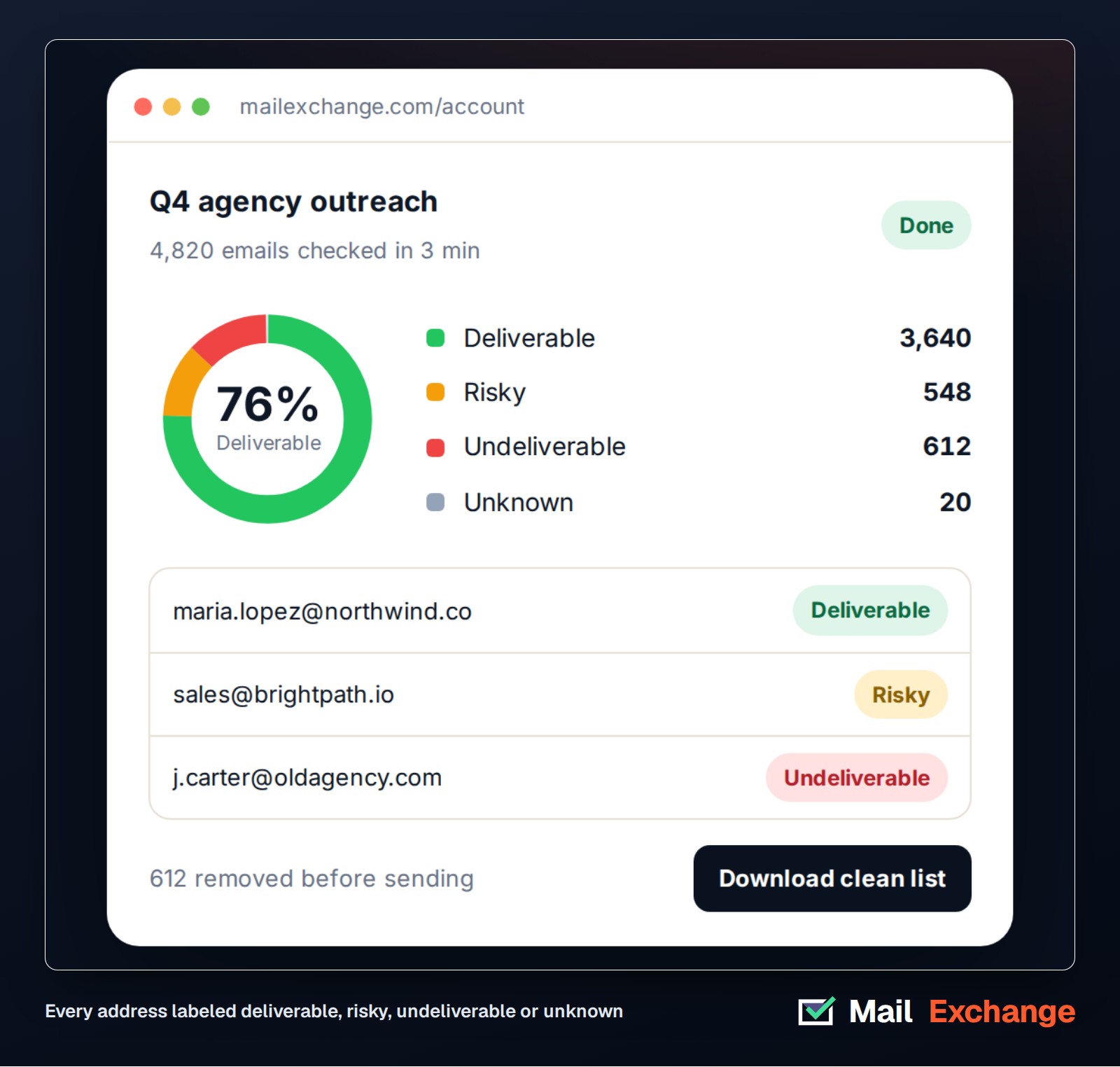
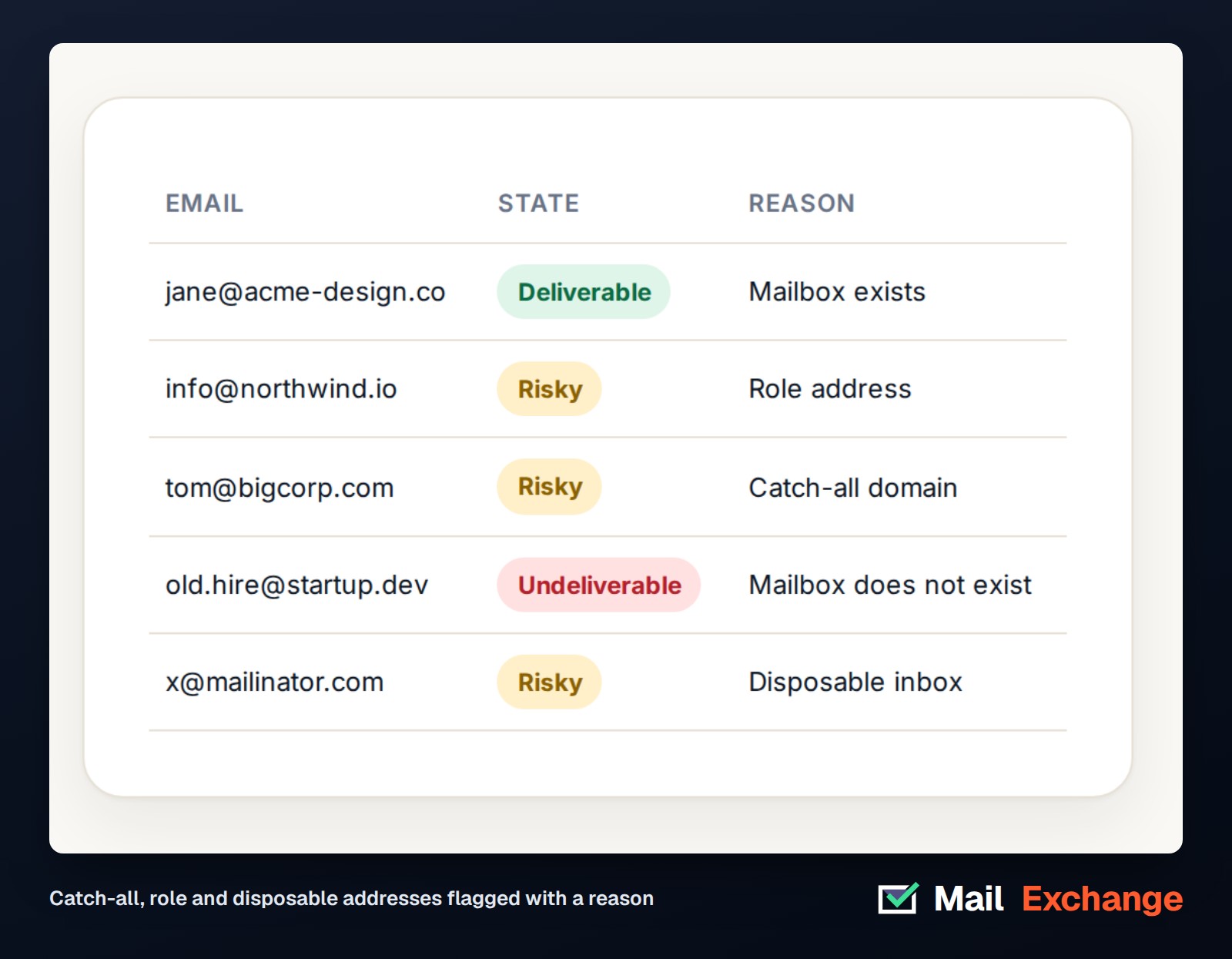
With bulk email verification, you upload a CSV or paste a list, and every address comes back labeled deliverable, risky, undeliverable or unknown, with the reason. Your other columns stay in place, so the clean file drops straight back into a CRM or sending tool. Duplicates are removed for free and unknown results are refunded.
Clean your next list before it costs you
Mail Exchange starts with a 3-day free trial that includes 25 checks. After that, credits cost $29 per 5,000, about half a cent per address, with catch-all detection on every domain. Many services let unused verification credits expire. Mail Exchange credits never expire. See Mail Exchange pricing and check your list today.
Methodology
Mail Exchange checked 107,784 unique email addresses drawn from business and media contact lists between October 28 and November 15, 2026. Each address was checked at the domain and mailbox level and counted once. Catch-all means the domain accepted a test address that shouldn’t exist. Role means a shared address such as info@ or sales@ on a domain that is not catch-all. Unknown means the server gave no clear answer during the check.
About Mail Exchange
Mail Exchange is an email verification service for teams that send to the people on their lists, not the spam folder. It checks lists in bulk, through an API or at signup, and flags catch-all, role and disposable addresses before they hurt sender reputation. Learn more at mailexchange.com.
Media Contact
Company Name: Mail Exchange
Contact Person: Media Relations
Email: Send Email
Country: United States
Website: https://mailexchange.com


